 Truly Simple Tools
Truly Simple RAW Camera
Unedited DNG Photography


Screenshots
Why you need a pure RAW camera
Most modern smartphone cameras automatically process every picture you take. They apply aggressive smoothing, artificial HDR, and automatic sharpening. Sometimes, you just want the actual, unedited digital negative so you can develop it yourself.
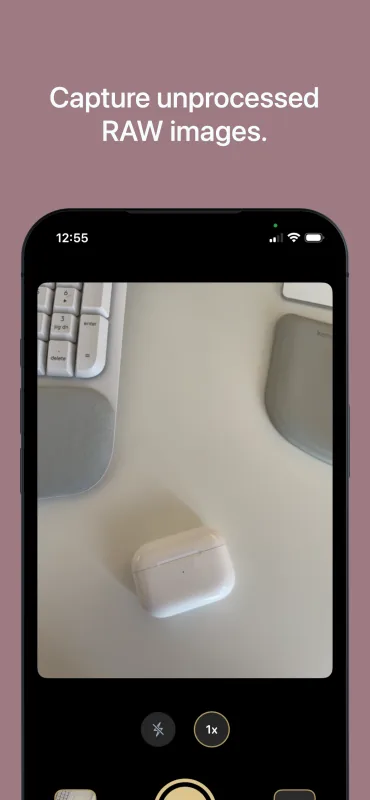
Truly Simple RAW Camera bypasses automatic processing to give you the exact, unedited light that hit your iPhone's physical sensor.
What it does
- Pure RAW capture: Saves uncompressed 14-bit Bayer .DNG files directly to your camera roll with zero AI processing.
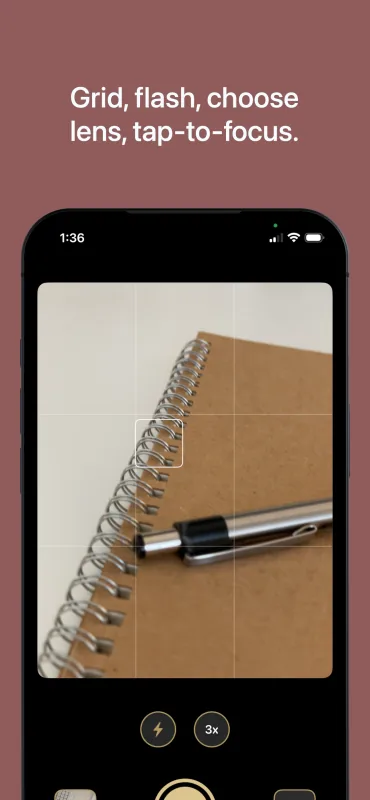
- Tap to focus: Tap anywhere on the viewfinder to physically adjust the lens focal plane and lock in your exposure, just like a real DSLR.
- Hardware controls: Switch between the physical back-facing lenses and toggle the hardware flash. No digital zoom allowed.
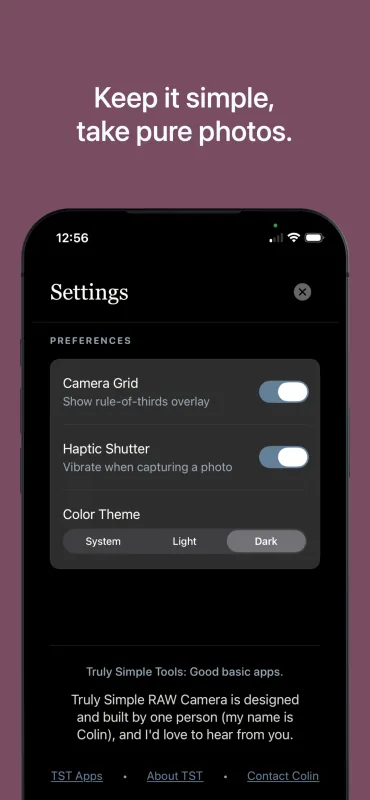
- Tactile feedback: An optional haptic shutter toggle lets you physically feel exactly when a photo is captured.
- Visual basics: Toggle a rule-of-thirds grid to frame your shot, and switch between light and dark color themes for comfort.
- Quick review: Tap the recent photo thumbnail to instantly jump to your native iOS Photos gallery.
- Free: Enjoy a completely free app with no recurring fees, intrusive advertisements, or paywalls.
How to take pure RAW photos on iOS
- Open the app and frame your subject.
- Adjust your lens, grid, or flash using the simple toggles.
- Tap the screen to set your focus and exposure.
- Tap the shutter button (or use your physical volume keys) to capture a .DNG file.
- Open the photo in a dedicated editing app (like Lightroom or Snapseed) to develop the raw data.
Frequently Asked Questions
- Why do my photos look dark and grainy?
- Because they are completely unedited. Without Apple's automatic noise reduction and brightness algorithms, you are seeing exactly what the small physical camera sensor sees. You will need to manually edit the .DNG files to make them look good.
- Why isn't there a selfie camera option?
- iPhone front-facing cameras do not output pure RAW data. To keep this app completely free of artificial processing, TS RAW Camera only supports your device's rear lenses.
- Does it support digital zoom?
- No. The app only lets you switch between the physical hardware lenses on the back of your phone to ensure optical purity. Digital zoom is just software cropping, which goes against the purpose of a pure RAW file.
- How do I report a bug or request a feature?
- Reach out via one of the options on the contact page.
Privacy Policy
The app does not collect any personal data and contains no tracking.