
Truly Simple Code Exporter
Share Your Project Code


Screenshots
About the App
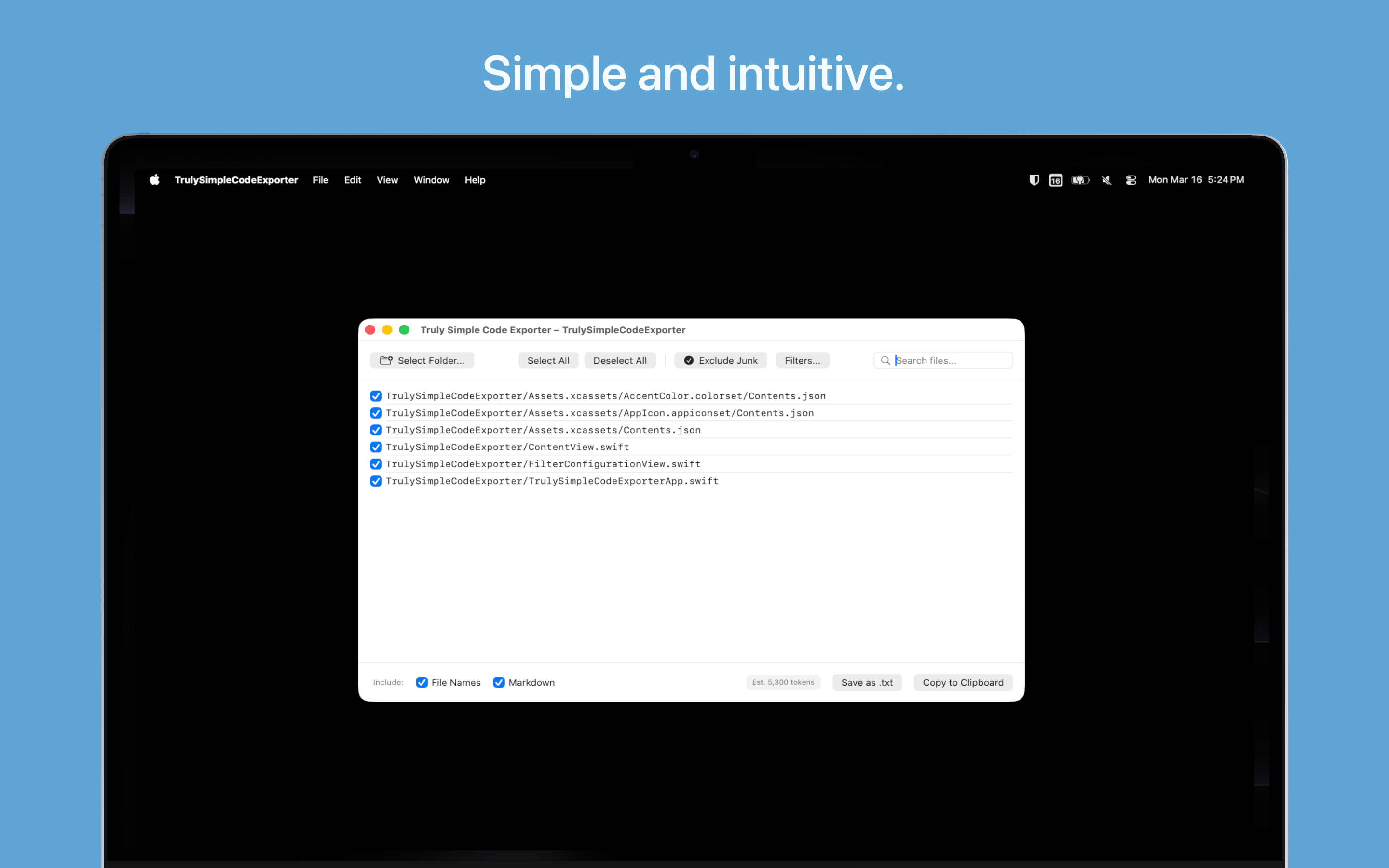
Truly Simple Code Exporter is a lightweight macOS tool that grabs the code from your project folders so you can easily share it with another human, or paste it into AI tools like ChatGPT or Claude.
How it works:
- Select or drag-and-drop a project folder into the app.
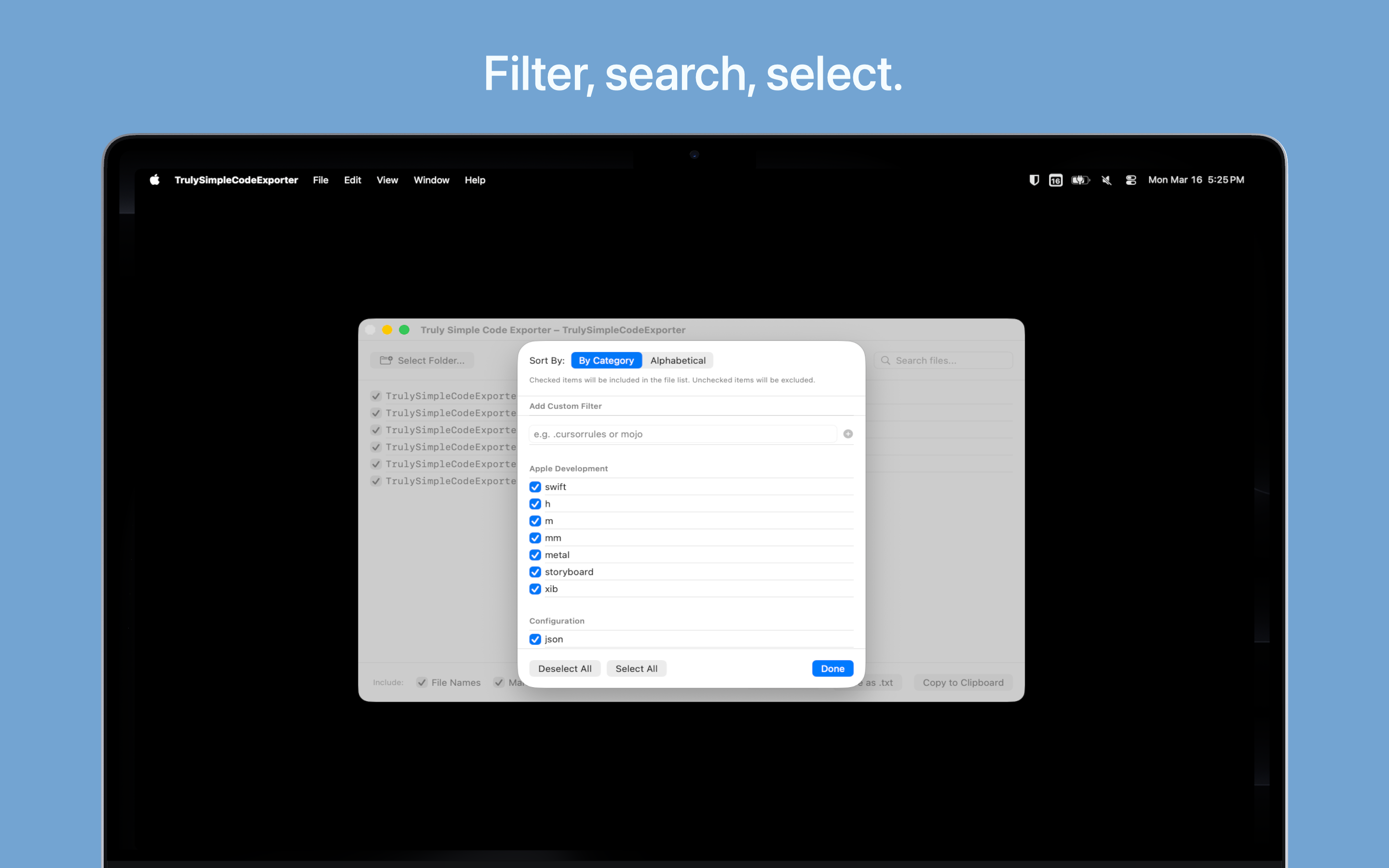
- Filter the exact file types you need (like .swift, .js, or .py).
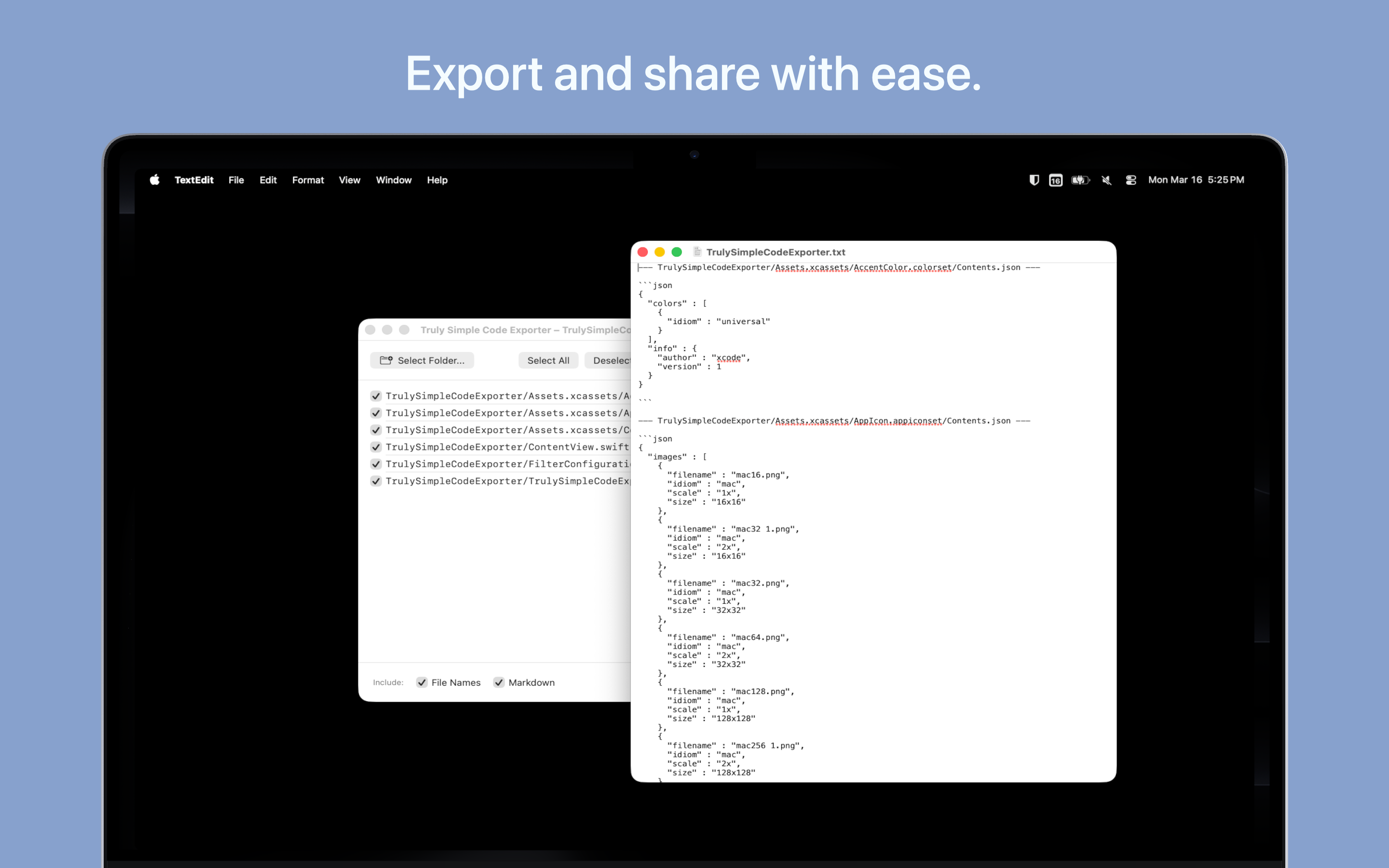
- Copy all the formatted code to your clipboard or save it as a .txt file with a single click.
Features
- Drag & Drop: Drop any folder from Finder straight onto the app window to get started immediately.
- AI-Ready Markdown: Automatically formats your code with file names and Markdown wrappers, making it perfect for AI prompts.
- Live Token & File Counts: See exactly how many files you're exporting and get an estimated token count before you copy.
- Custom File Filters: Add your own custom file extensions, and the app will remember your preferences for your next session.
- Accessible Design: Features a beautiful, high-contrast Light and Dark mode, optimized for VoiceOver and reduced motion settings.
- Completely Free: The app is free to download and use with no ads, hidden costs, or in-app purchases.
Tips & More Info
I built this app because I found myself doing a lot of "centaur programming"—working alongside AI to track down tricky bugs or brainstorm new features. I needed a frictionless way to share the entire context of my project (or select portions of it) without manually opening and copying a dozen different files.
With this latest update, I've refined the app to make it even faster. You can now drag and drop folders directly into the window, and I completely rebuilt the color system so it looks great whether you're working in Light or Dark mode. I've also doubled down on accessibility, ensuring it works seamlessly with native Mac accessibility settings. It's a simple tool, but it does what it needs to do quickly and reliably.
Frequently Asked Questions
- Is the app free?
- Yes, the app is completely free to download and use.
- What platforms are supported?
- Currently, the app is available for macOS 14.0 or later.
- How do I report a bug or request a feature?
- Reach out via one of the options on the contact page.
Privacy Policy
The app does not collect any personal data and contains no tracking.